


I have an idea for a self-hosted photo gallery/frame app. I am sure there are others out there already, but I want to make my own. Once it’s done, I could see myself extending it with things like GPS or date metadata validation, naming convention checks, that sort of thing. I have TBs of family pictures and have always wanted something functional but lightweight. Immich is great, but it has a timeline-centric view and I prefer browsing by folder. I also want a digital frame mode that surfaces rarely-seen photos, because when you have TBs of pictures, a lot of them fall through the cracks. I’ll try to document progress here weekly. So what’s the plan?…
Project Description#
A photo gallery that doubles as a digital frame. The app indexes a media directory, extracts metadata, and serves two modes:
- Gallery mode - Web UI to browse media by folder or timeline
- Frame mode - lightweight display endpoint that cycles through photos intelligently; the backend runs on a server, but the frame itself is just a browser pointed at it, a Raspberry Pi on a TV, a kiosk, anything on the network
Feature List#
Core#
- Scan directory, extract EXIF (date, location, camera), generate thumbnails
- WatchService for auto-detecting new/deleted files
- Browse by album, date, location
Gallery#
- Auth access
- Shareable links with expiry and optional password
Frame Mode#
- Public (or PIN-protected)
/frameendpoint - Weighted rotation: prioritise unseen or rarely shown photos
- Display history tracked in DB
- Configurable rules via admin panel (date-based, folder-based, random)
Tech Stack#
| Concern | Technology |
|---|---|
| Backend | Java 25 + Spring Boot |
| Frontend | Thymeleaf + HTMX |
| Database | PostgreSQL |
Thymeleaf + HTMX keeps the frontend server-rendered, no build toolchain, no JS framework to wrestle with. I am no frontend developer and i wont’ want to spend my time on that.
What’s implemented so far this week#
Still rough around the edges, just the happy path for now so it would be easy to break. The main goal this week was to get the full stack wired up and see how it all feels together.
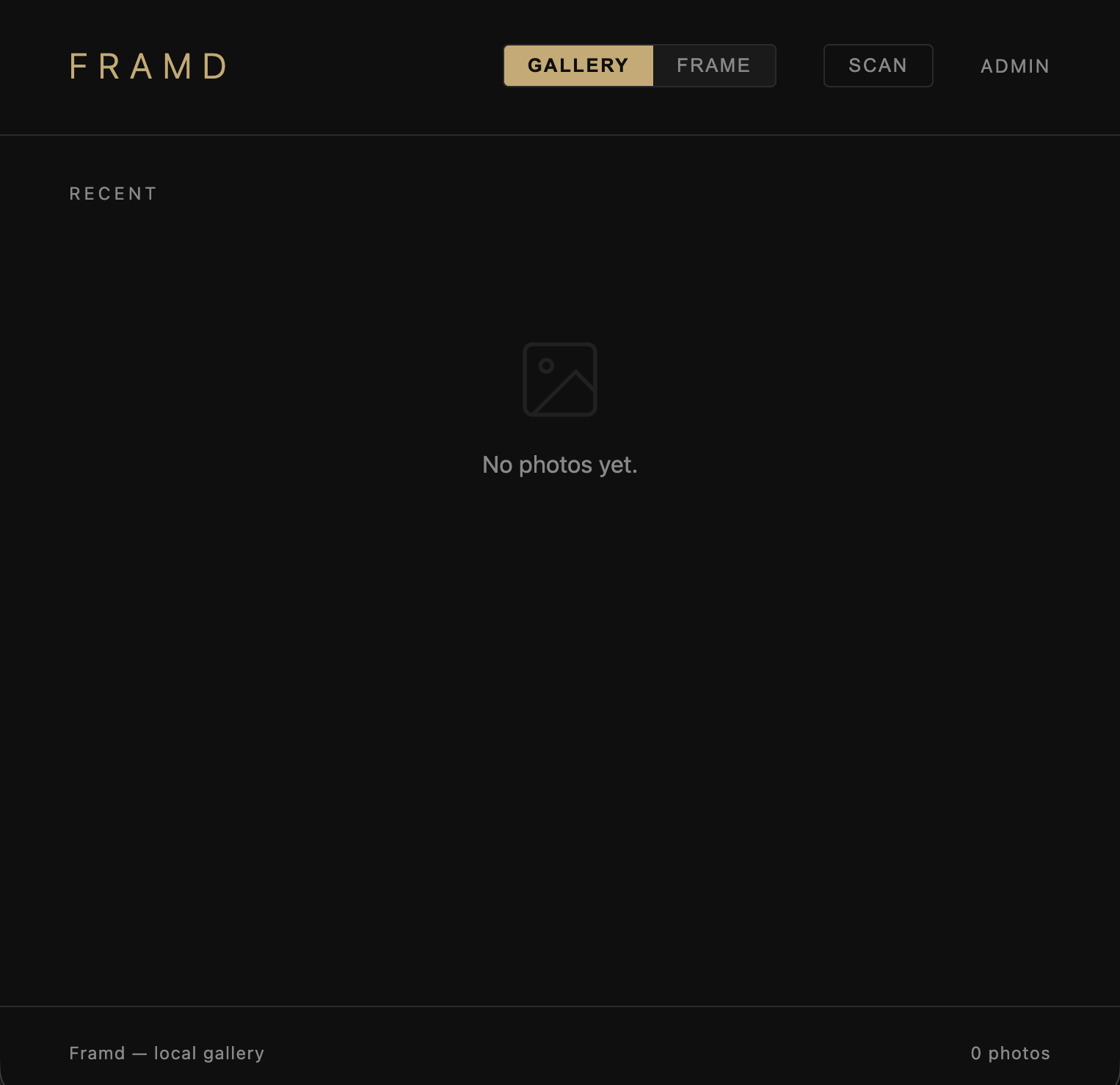


Indexing
FSIndexerwalks the directory tree via Java NIO, filtering image files by extension (jpg/jpeg/png/webp/heic)- EXIF extraction via Drew Noakes
metadata-extractor 2.19.0, with SubIFD and IFD0 parsing for capture date Sha256Hasherstreams files in 8 KB chunks throughMessageDigest- ~1 min to index
Thumbnails
ThumbnailServicevia Thumbnailator (net.coobird:thumbnailator 0.4.3)- 30% scale, 70% JPEG quality, mirrored directory structure under
./.thumbs - 14 GB → 290 MB
- ~10 min to generate
TODO: Indexing, hashing, and thumbnail generation are all currently single-threaded, hence the times above. Tested against ~14 GB / 2,315 images. Planning to switch to a multi-threaded approach next week.
Infrastructure
- Docker Compose (
docker/postgres/docker_compose.yaml): PostgreSQL 17 + Adminer on port 8080
Database Schema - IndexedMedia#
| Column | Type | Notes |
|---|---|---|
hash | String (PK) | SHA-256 of file content |
path | String | Parent directory |
name | String | Filename without extension |
extension | String | jpg / jpeg / png / webp / heic |
captureTime | LocalDateTime | EXIF date or fallback to now |
lastIndexedTime | LocalDateTime | Set on each index run |
lastModifiedTime | LocalDateTime | File system mtime |
width | Integer | TODO: extract from image |
height | Integer | TODO: extract from image |
sizeInBytes | Long | TODO: extract from file |
thumbnailPath | String (nullable) | Path under .thumbs/ |
API#
| Method | Path | Description |
|---|---|---|
GET | / | Serves the main page |
POST | /scan | Triggers a full directory scan, indexes files, extracts EXIF, generates thumbnails |
GET | /gallery | Returns the gallery grid fragment (consumed by HTMX on the main page) |
GET | /thumbnail/{hash} | Returns thumbnail image for a given file hash |
GET | /photo-count | Returns the total number of indexed photos as a string |
Challenges#
Not much to report for week 1, but one thing worth thinking about early: thumbnail storage. The current approach mirrors the source directory structure under .thumbs, but I want to avoid a deeply nested hierarchy and make it easy to clean up stale thumbnails when the original is deleted or changed.
What’s next#
- Proof of concept is done, time to clean up and make it less breakable
- Implement a
WatchServiceto auto-detect new and deleted files - More tests
- Switch to virtual threads for indexing and thumbnail generation
- Extract actual image dimensions
width/height - Get
sizeInBytes - Add 404 handling to
GET /thumbnail/{hash}when the hash is not found - Skip re-indexing already known files (currently a re-scan overwrites existing records)