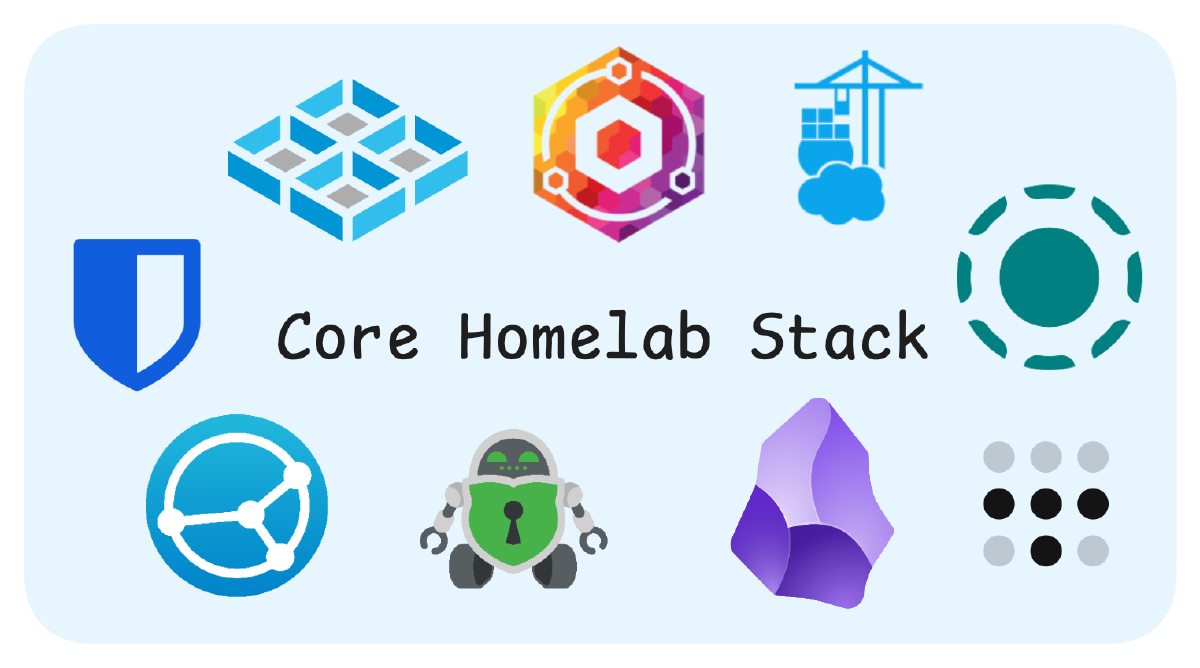

I recently asked myself: "What's the leanest set of services I need to run on my homelab to feel satisfied?" In other words, what are the essential tools that form the foundation of my self-hosted infrastructure?
Here are the core tools that make my homelab experience truly enjoyable:
TrueNAS#
TrueNAS The backbone of my storage system featuring the robust ZFS filesystem with data integrity protection, snapshots, and comprehensive backup capabilities.
It took me some time to climb the learning curve, but the effort was absolutely worth it. Having migrated from Synology, I was very accustomed to being hand-held 🐣 through the process, but TrueNAS rewards you with power and flexibility once you get the hang of it.
Tailscale#
Tailscale Seamless remote access using WireGuard VPN technology with zero configuration, eliminating the need for port forwarding while maintaining secure connections.
I used to faff around with pure WireGuard or OpenVPN solutions, generating config files for new devices manually. After using Tailscale, that aspect of networking has become a breeze.
Nginx Proxy Manager#
Nginx Proxy Manager Simplifies web service management with automated SSL certificates via Let’s Encrypt and an intuitive interface for reverse proxy configuration.
An essential bit of homelabbing journey. Nobody wants to deal with entering IP address and port numbers all the time. And seeing that ugly SSL warning. Especially if you want to make your family use any of your self-hosted services 😄!
Portainer#
Portainer Docker container management made easy with a clean web interface, monitoring tools, and support for deployment from Git repositories.
When it comes to running my services, I don’t want to run Docker Compose from the terminal or integrate with still developing Docker offerings in Truenas Scale.
Syncthing#
Syncthing Decentralized file synchronization with end-to-end encryption and no central server, keeping my documents and configurations in sync across all devices.
This is honestly one of my favourites. You can start self-hosting all your data simply by synchronising it between your devices. The flexibility is incredible - I personally use it for photo sync between by phone and NAS, important documents and config files and notes. So that I always have it handy.
LocalSend#
LocalSend Direct device-to-device file transfers over local networks without size limits, cloud services, or internet connectivity.
Think of it as Airdrop for everyone. While it doesn’t fully replace Airdrop, as long as you’re on the same network, you can share files at blazing speeds. I’ve surprised even dedicated Airdrop users with how fast it.
Cryptomator#
Cryptomator - Free & Open-Source Cloud Storage Encryption Client-side encryption for cloud storage, creating secure vaults with AES-256 encryption while maintaining full control of encryption keys.
As I have mentioned, I have a few config files and docs that I want to sync between devices using syncthing. Since these can be sensitive, it wouldn’t be wise to leave them unprotected on my phone. Cryptomator provides that essential layer of encryption for peace of mind.
Obsidian#
Obsidian Markdown-based knowledge management with bidirectional linking, perfect for documenting projects and configurations.
Having been a Notion user for years and being absolutely in love with markdown as note taking tool even longer, as soon as I realised I can self-host my markdown notes on my device without using cloud, I jumped on it. Using Syncthing to synchronize them between my devices has been game-changing, and Obsidian’s plugin ecosystem lets me customize my experience.
Bitwarden#
Bitwarden Open-source password management with cross-platform support, secure sharing, and comprehensive security tools.
With all those services, I usually need to make a bunch of passwords and logins. Bitwarden helps me stay sane doing that.