

Intro#
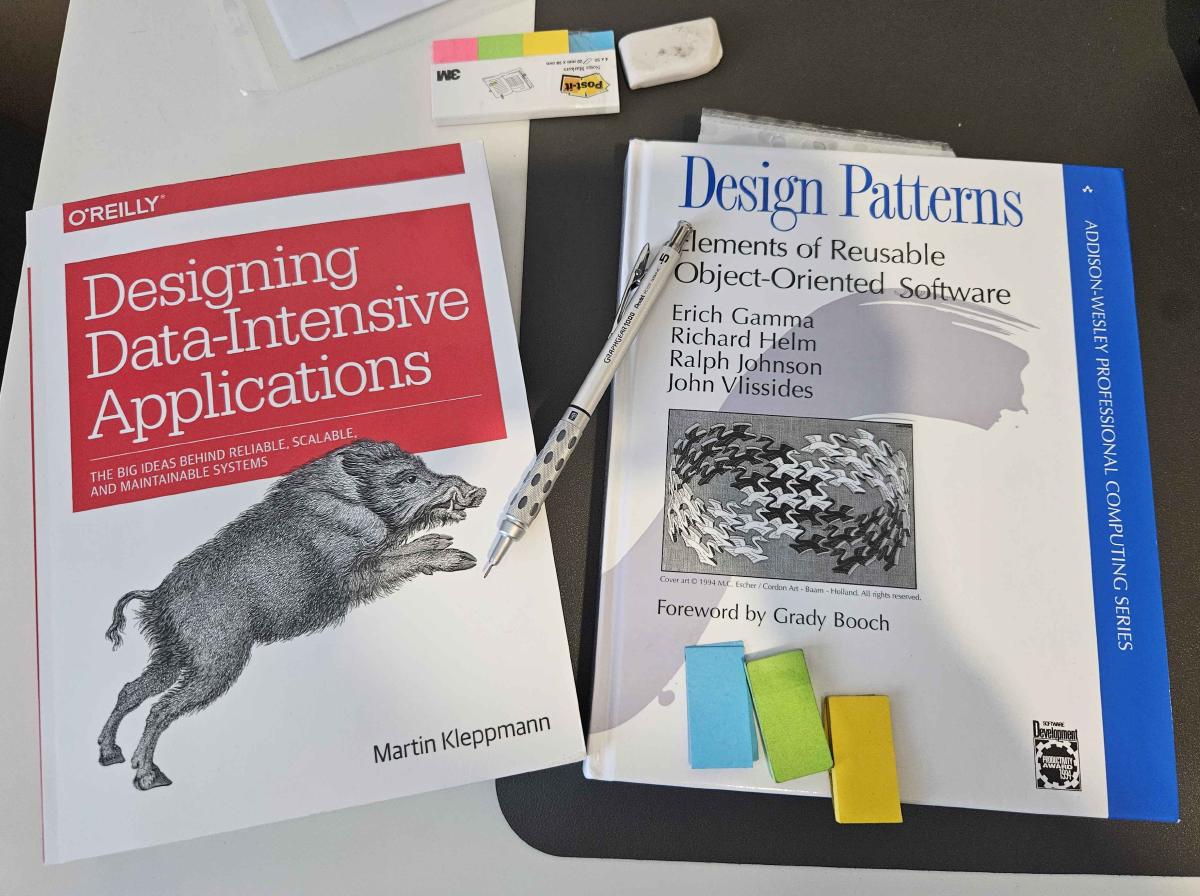
I have just used some of my learning budget at work to buy a couple of books: “Designing Data-Intensive Applications” and “Design Patterns” by the Gang of Four.
Now, my fingertips are already excited and looking forward to typing out all the stuff I will learn in those books into notes…
But I don’t want to be chair-bound for the next year in perpetual note typing. As you can see from my blog, I love typing out notes. I treat my website as a notepad for whatever I’m learning, making it easier for me to revisit information I’ve learned before. The fact that it’s a website makes it easy to access without needing an account, and because it’s digital, it’s easy to modify or add missing information to those notes. I love writing lovely notes so much that I would actually argue I’m learning to take notes rather than taking notes to learn.
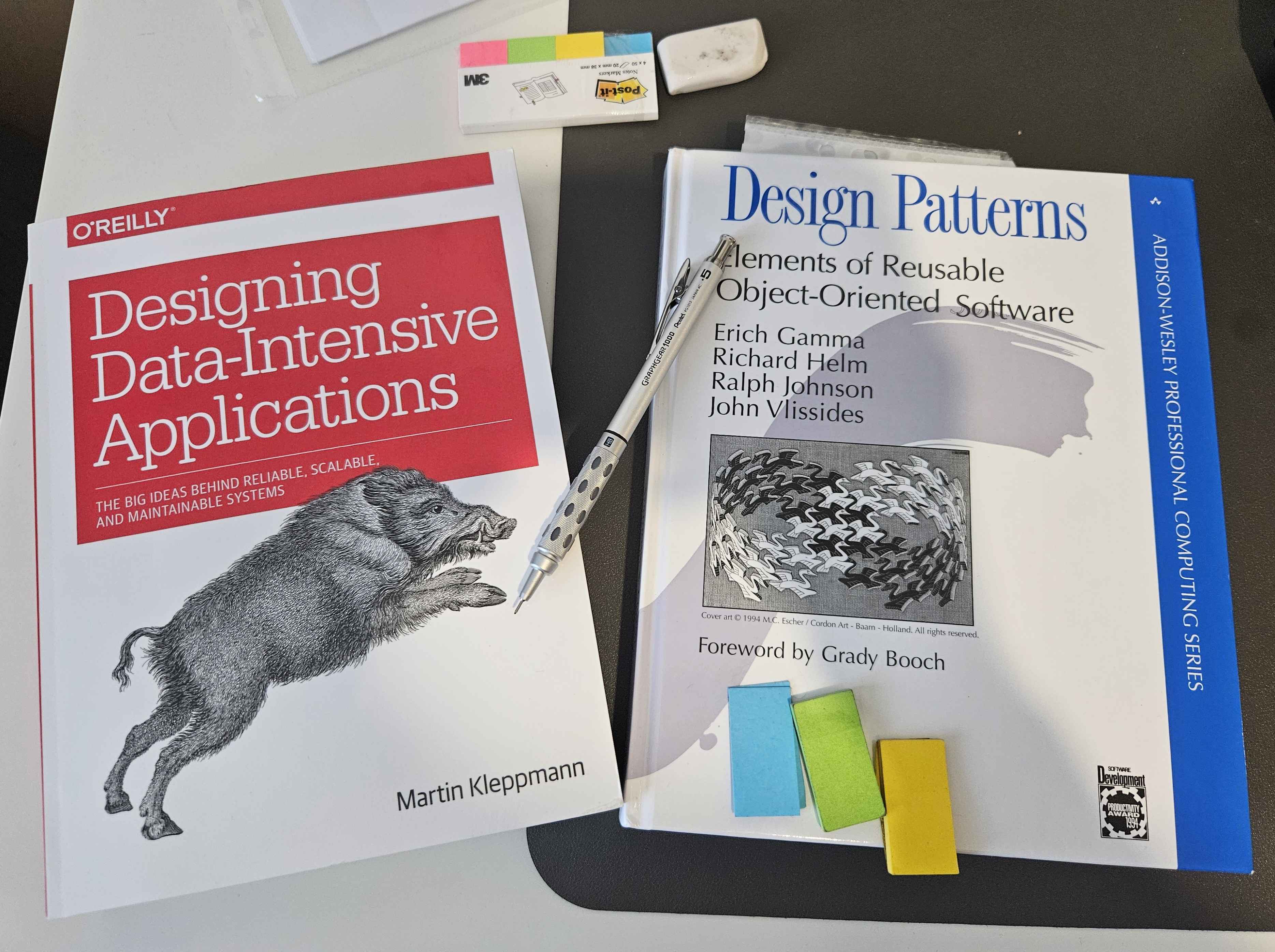
However, the note-taking process is long and usually adds unnecessary friction between me and learning. So with these books, I want to try something new. Rather than doing my usual chapter-by-chapter notes, I’ll arm myself with a pencil and some sticky notes to annotate as I go through the book. I’ll treat them as a technical bible, noting down the most important things I learn so it’s easier to come back and extract what I need later.
To make it easier, I want to try a system for annotating books, which I’ve outlined below. These methods are untested, and I’ll see how they work in practice, but on paper, I like the plan.
Margins#
Draw vertical lines | in the margin next to important passages, then add symbols to indicate type:
Priority Levels#
*= Read and understand**= Worth revisiting***= Practice or apply this****= Memorise (exam/interview critical)*****= Master completely (everything depends on this)
Context Markers#
!= Very important or surprising insight?= Confusing or needs clarification→= Follow-up or needs more researchX= Common mistake or gotcha to avoid○= insight or “aha moment”== Similar to another concept (note the connection, page, or chapter)ex= Good example or use case#= Definition△= “This differs from X” – a contrast with something you knew before[ ]= Summary or conclusion of a section
Combine Symbols Use multiple symbols together for more nuanced annotations:
*?= Important but unclear!X= Critical warning*ex= Essential example
Highlighting/Underlining#
- Use sparingly - only for key definitions, formulas, or critical sentences
- Mark <10-15% of text maximum
- If everything’s highlighted, nothing stands out
🗂️ Organisation#
Personal Index 📑#
- Add legend for colours/symbols you use at the beginning of the book
- Mark in Table of Contents:
- ✓ = Read
- ? = Unclear
- ! = Very important
Visual Markers 🏷️#
Use tabs/sticky notes for quick reference:
- 🟦 Blue = Examples/case studies
- 🟨 Yellow = Best practices/methodologies
- 🟩 Green = Core concepts/fundamentals
- 🟥 Red = Common pitfalls/gotchas