

Have mostly been working on making the app deployable, adding security, adding a Dockerfile as well as thinking about the user experience and reliability with further pipeline improvements
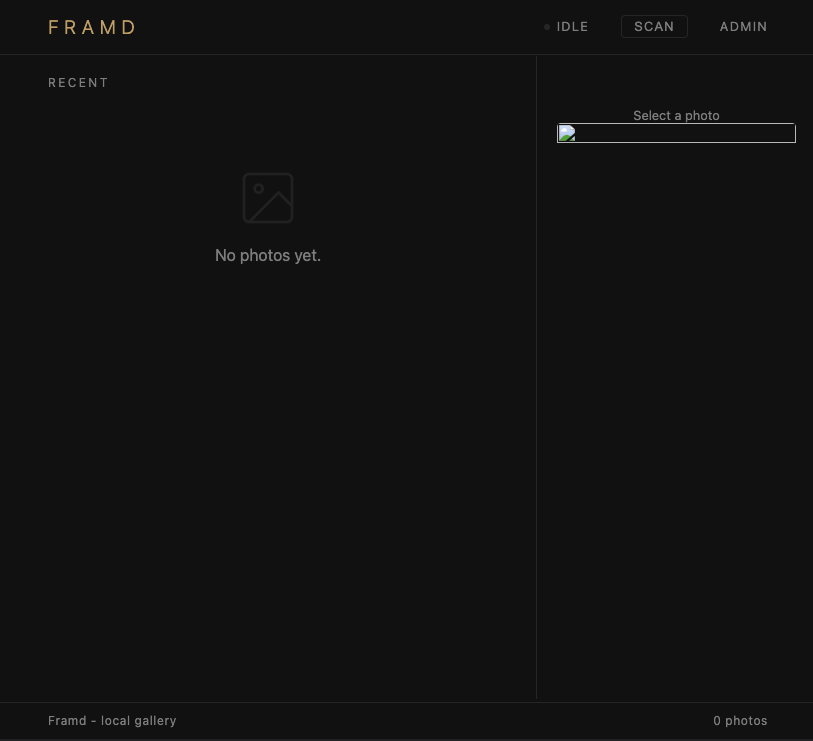
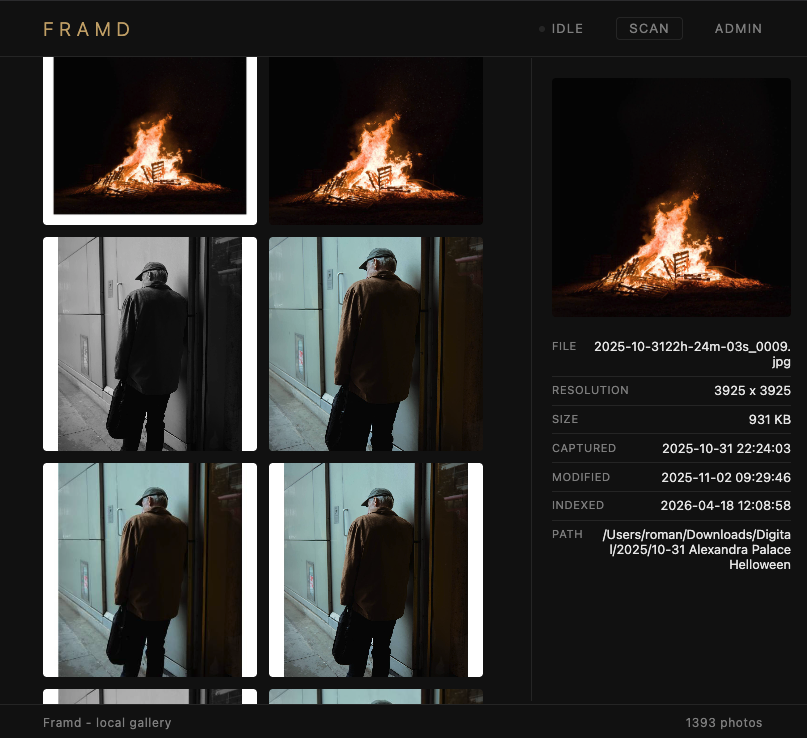
Security#
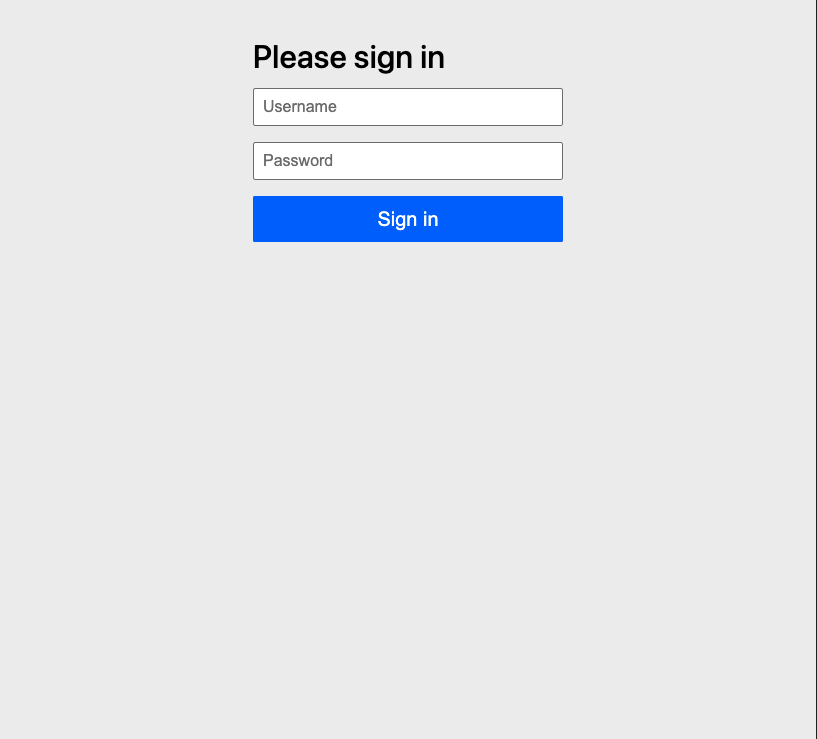
Security is quite easy with Spring Boot, simply needed to activate the extension. Though GET worked without any issues, the scan wasn’t working as it was using POST which was blocked by CSRF
CSRF Protection#
CSRF (Cross-Site Request Forgery) protection prevents malicious third-party sites from triggering state-changing requests on behalf of a logged-in user. Spring Security enables this automatically for all POST, PUT, DELETE, and PATCH requests; any request missing a valid token is rejected with a 403.
How to make scan request work#
fragments.html - The shared head fragment was updated to embed the CSRF token and header name into <meta> tags on every page load via Thymeleaf:
<meta th:if="${_csrf != null}" name="_csrf" th:content="${_csrf.token}" />
<meta th:if="${_csrf != null}" name="_csrf_header" th:content="${_csrf.headerName}" />
A global htmx:configRequest listener injects the token as a request header on every HTMX request automatically, covering the scan button and any future mutations:
document.addEventListener('htmx:configRequest', function(event) {
    const csrf = document.querySelector('meta[name="_csrf"]');
    if (csrf) event.detail.headers['X-CSRF-TOKEN'] = csrf.content;
});
Indexing Pipeline#
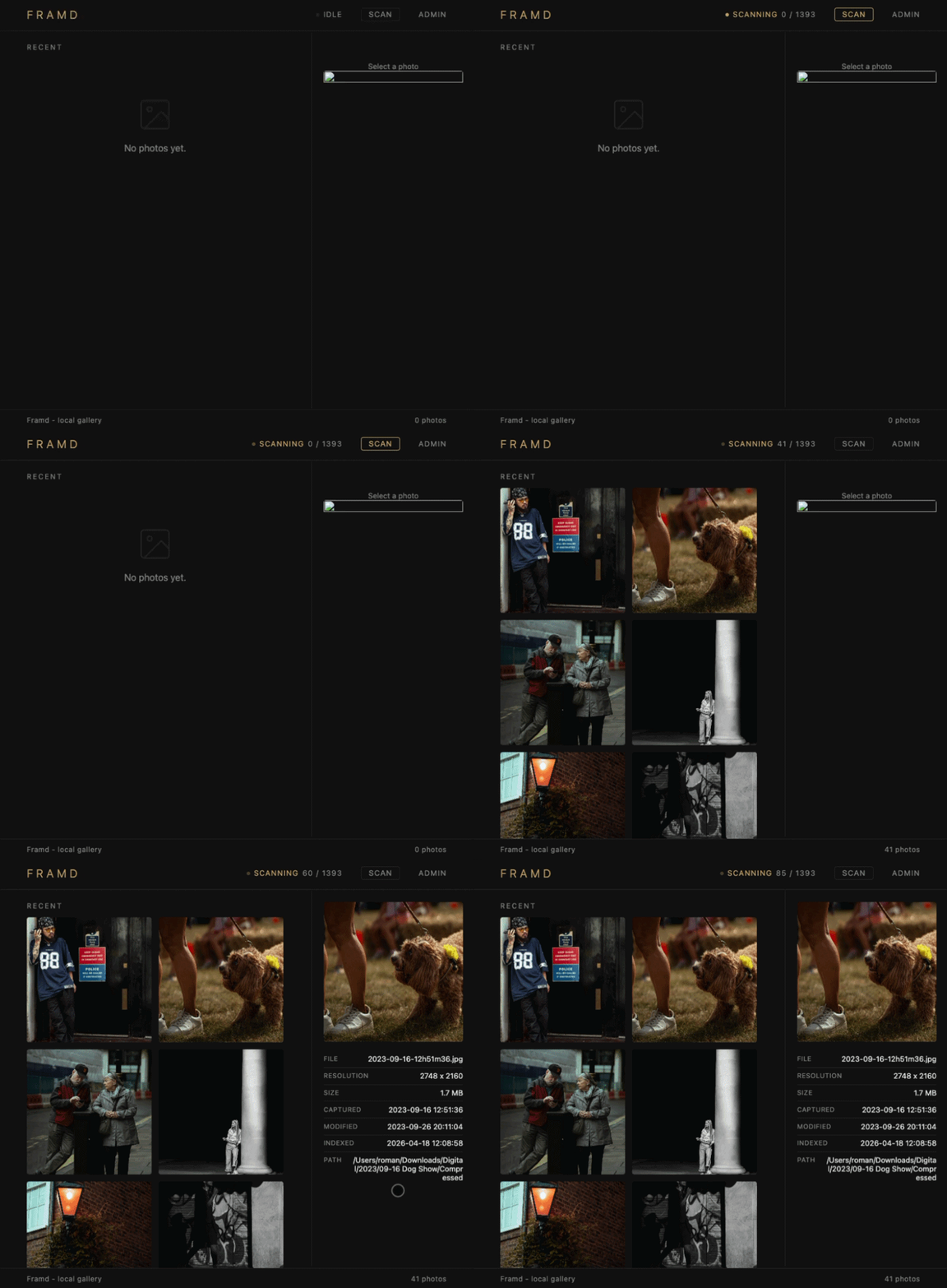
How the pipeline worked up to this point: each stage ran one by one, Metadata Extraction -> Preview Generation -> Persistence. So at any point if the pipeline was interrupted before persistence, all progress was lost. It could have taken 10 mins to generate previews and then something failed at the last one (server crash, OOM error) and nothing would be persisted.
The new pipeline uses a shared ScanContext singleton as its state bus, connecting stages via a producer-consumer queue. For now I decided not to overcomplicate it and only applied the queue to preview generation, since that’s the most resource-intensive stage. Metadata extraction would be the logical next candidate, but the diff logic (fetching already-persisted data from the DB and doing a set operation against newly scanned files to determine additions and deletions) is something I still haven’t fully ironed out. I’d improve that next, though not sure how much benefit it would bring right now. Either way, the current architecture makes it easy to add.
The benefit of the pub-sub architecture is that as a preview is generated it can instantly be persisted into the DB (the reference, not the preview image).
ScanContext: Technical Design#
Overview#
ScanContext is a singleton that acts as the shared state bus for a media indexing scan. It centralizes three concerns: scan lifecycle control, per-stage progress tracking, and producer-consumer persistence coordination.
Scan Stages#
| Stage | What it tracks |
|---|---|
METADATA | Files Hash calculation and metadata extracted |
PREVIEW | Preview images generated |
PERSISTENCE | Items saved to the database |
Each stage gets its own independent AtomicLong counters for processed and total, stored in an EnumMap.
Scan Lifecycle Guard#
private final AtomicBoolean isScanning = new AtomicBoolean(false);

public boolean startScan() {
    var isFreeToStart = isScanning.compareAndSet(false, true);    ...}
startScan() uses compareAndSet for an atomic check-and-set. Only one scan can run at a time. If a second caller hits startScan() while a scan is active, it gets false back immediately and IndexService logs and rejects the request. Before, this logic was in IndexService which would be hard to maintain as more stages and features are added. This way ScanContext handles it in one place and reduces cognitive load when adding more IndexService logic.
On a successful start, state is reset: counters are zeroed and the queue is cleared.
Persistence Queue (Producer-Consumer)#
The persistence stage uses a LinkedBlockingQueue<ScanMessage<IndexedMedia>> with a sealed message type:
public sealed interface ScanMessage<T> permits ScanMessage.Data, ScanMessage.Done {
    record Data<T>(T data) implements ScanMessage<T> {}
    record Done<T>()       implements ScanMessage<T> {}
}
This is a poison pill pattern:
- The preview-generation thread calls
enqueueForPersistence(item)for each ready item, wrapping it inScanMessage.Data. - When done, it calls
completePersistQueue()which sends aScanMessage.Done. - The persist thread blocks on
drainPersistenceQueue(action), processing each item until it reads theDonemessage, at which point it returns.
The drainPersistenceQueue uses poll(2, TimeUnit.SECONDS) with a timeout to avoid indefinite blocking on null, looping until a message arrives.
What the Architecture Offers#
- No locks - atomic primitives (
AtomicBoolean,AtomicLong) and a blocking queue handle all concurrency safely. - Single scan enforcement - the
compareAndSetensures only one process gets to do the scan - Backpressure-safe -
LinkedBlockingQueueis unbounded butput()is used, which blocks if the queue were ever bounded, making it easy to add capacity limits later. - Observable progress -
ScanStatusis a snapshot record exposing processed/total for thePERSISTENCEstage, used by the UI polling endpoint. - Clean shutdown signal - the sealed
ScanMessagetype makes the drain loop exhaustive; adding a new message variant would be a compile error until handled.
Docker Image#
I already had simple stuff working locally, but it would be very nice to test it out on my NAS with more data. So put together a simple Docker image to allow this.
The image uses a two-stage build: compile in one stage, run in another to keep the final image lean. The Java base image version is parameterized via ARG so it’s easy to bump. Spring profiles separate dev and prod configuration.
Dockerfile#
# ============================================================
# Stage 1: Build
# ============================================================
ARG JDK_IMAGE=eclipse-temurin:25-jdk-noble
ARG JRE_IMAGE=eclipse-temurin:25-jre-noble

FROM ${JDK_IMAGE} AS build
LABEL org.opencontainers.image.authors=romanempire.dev
WORKDIR /build

# Copy Maven wrapper and POM first (layer caching for dependencies)
COPY mvnw .
COPY .mvn .mvn
COPY pom.xml .

# Download dependencies (cached unless pom changes)
RUN chmod +x mvnw && ./mvnw dependency:go-offline -B

# Copy source and build
COPY src src
RUN ./mvnw package -DskipTests -B

# ============================================================
# Stage 2: Runtime
# ============================================================
FROM ${JRE_IMAGE}
WORKDIR /app
LABEL org.opencontainers.image.authors=romanempire.dev

# Create directories for volumes
RUN mkdir -p /media /previews

# Copy JAR from build stage
COPY --from=build /build/target/Framd-0.0.1-SNAPSHOT.jar app.jar

ENV SPRING_PROFILES_ACTIVE="prod"
EXPOSE 7878

HEALTHCHECK --interval=30s --timeout=5s --start-period=30s --retries=3 \
  CMD wget -q -O- http://localhost:7878/actuator/health || exit 1

ENTRYPOINT ["java", "-jar", "app.jar"]docker-compose#
services:

  db:
    image: postgres:17-alpine3.23
    restart: always
    shm_size: 128mb
    environment:
      POSTGRES_PASSWORD: example
    volumes:
      - pgdata:/var/lib/postgresql/data
    healthcheck:
      test: [ "CMD", "pg_isready", "-U", "postgres" ]
      interval: 10s
      timeout: 5s
      retries: 5

  framd:
    image: romanempiredev/framd:latest
    restart: unless-stopped
    ports:
      - "7878:7878"
    environment:
      SPRING_DATASOURCE_USERNAME: postgres
      SPRING_DATASOURCE_PASSWORD: example
      ADMIN_PASSWORD: password
    volumes:
      - ${MEDIA_PATH:-/Users/roman/Downloads}:/media:ro
      - ${PREVIEW_LOCAL_PATH:-./.previews}:/previews
    depends_on:
      db:
        condition: service_healthy

volumes:
  pgdata: